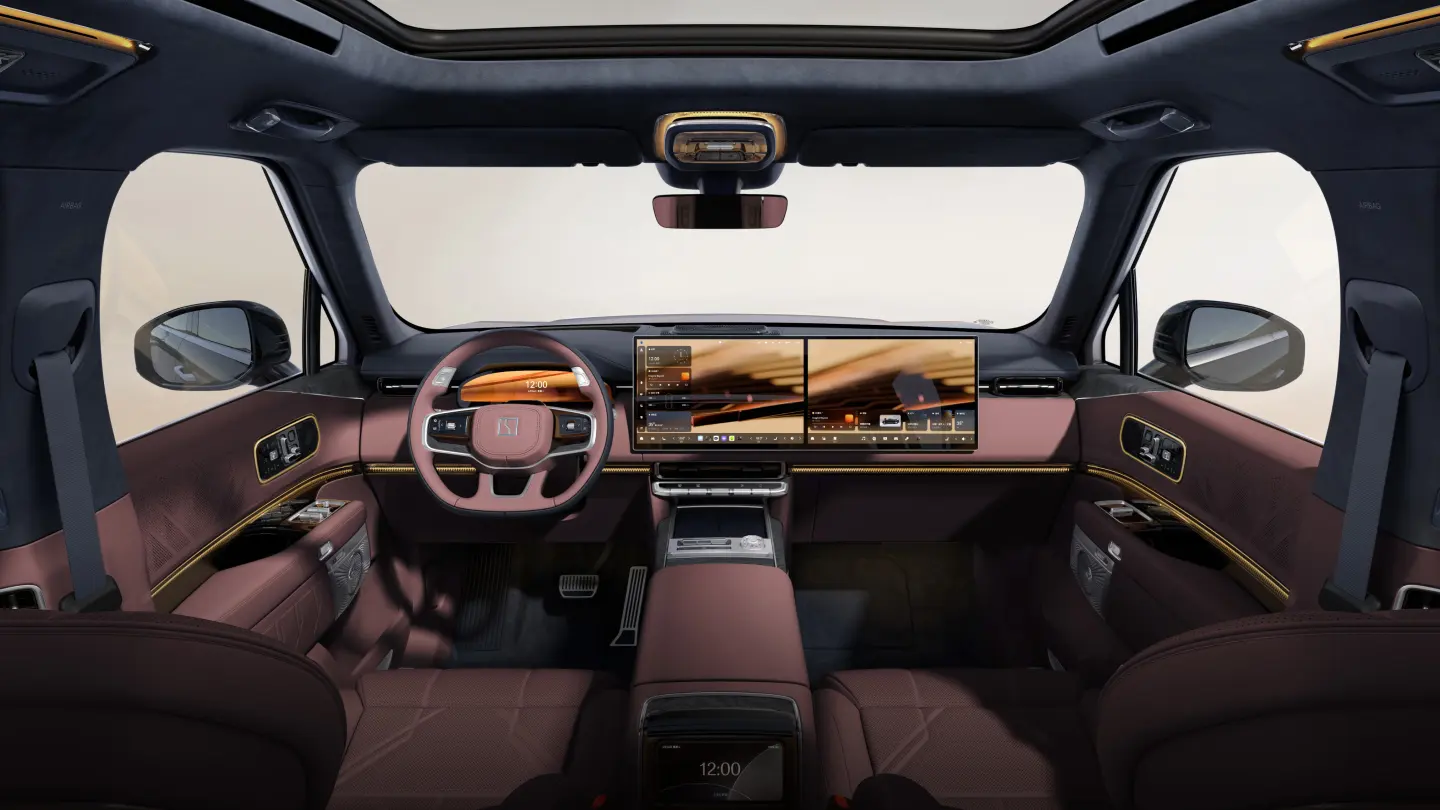
Manufacturer reference image. Controls and equipment vary by vehicle.
Sources checked:
Scope checked: 26 October 2026. China battery examples use the official configuration snapshots retrieved on 25 October 2026. Match the original market, model year, hardware and software before applying a procedure.
An OS number is not a universal upgrade path
A higher number on another ZEEKR does not mean it is an update for your car. Firmware depends on model, model year, hardware, original market and the applicable service system. Compare a release only after those identifiers match. Never install a package simply because a forum labels it ‘the newest ZEEKR OS’.
Two official examples show the distinction: European 001 OS 1.2 release notes and the Australian 009 OS 2.2.1 announcement describe different cars and markets. They are historical references, not today’s recommended version for every 001 or 009. Neither establishes an update path for a Chinese 7X, 007GT, 8X or 9X.
Collect a before-update record
- Vehicle model, model year, original market and the software version currently shown on the car.
- The update notice presented to this vehicle, its full release notes and stated eligibility or prerequisites.
- Any previous language modification, replacement head unit, unofficial application or account change that support should know about.
- Charging schedules, charge target, preferred settings and the working state of keys and essential functions.
- A physical key and a plan for a period when the car may be unavailable. Do not schedule an update immediately before an essential journey.
Distinguish download, installation and eligibility
A download that will not start is not the same problem as an installation that has already begun. Before installation, check whether the vehicle has a supported network connection, an offer addressed to it and satisfied prerequisites. An unavailable regional service cannot necessarily be repaired with faster Wi-Fi.
A staged rollout can make an otherwise eligible car receive a notice later than another. Ask support to check the VIN rather than treating somebody else’s screenshot as a deadline. European, Australian and China-market releases should remain separate in your records, even where a feature name is similar.
Install using the vehicle’s own instructions
- Read the notice and decide whether its changes and conditions apply to your actual car. If the car has modifications, obtain compatibility advice first.
- Park in a suitable place and satisfy the displayed battery, connection, charging, door and occupancy conditions. Thresholds and restrictions must come from this update, not a generic internet guide.
- Start or schedule through the supported vehicle/app controls only where offered. Follow the progress screen and avoid actions it prohibits.
- Do not disconnect the low-voltage battery, insert a firmware USB drive or force a reboot because progress appears slow.
- Wait for the car’s completion message and perform any documented final steps before relying on it for travel.
Verify the car after the update
Check the installed version against the completed notice. While parked, verify language, account sign-in, keys, phone pairing, charge target, schedules and the controls you use every day. Changes to menus may require relearning a location rather than indicate that a feature has disappeared.
Check driver-assistance settings against the revised documentation before using them. A release note does not extend the approved operating area or remove the driver’s responsibilities. For a localised car, test translation and the underlying function separately; translated text alone does not prove that the original control still works correctly.
If the update fails or appears stuck
Record the exact screen, current time, elapsed time, network status and whether the failure occurred during download or installation. Follow any recovery option explicitly offered by the car. If installation is in progress with no documented recovery step, contact the responsible support channel before interrupting power or attempting a reset.
After a failed install, do not keep retrying unrelated packages or attempt to downgrade across regions. If the car is not drive-ready or displays a persistent safety warning, arrange qualified assistance. Keep the case number and the previous software record so a technician can identify what actually changed.
Does OTA add language or overseas services?
Only the matched release notes and eligible vehicle can answer that. Updating software does not itself establish a new owner account, local cellular entitlement or a language not offered for that hardware/market. A Chinese 007GT and an overseas 7GT should not be treated as interchangeable, and a 009 update is not a package for 001, X or MIX.
Before approving work, ask for the exact target build and the functions expected to change. Keep the outcome specific: installed version and tested capabilities. Avoid a blanket statement that the vehicle has been made globally compatible.
Sources and version references
- ZEEKR Europe — 001 OS 1.2, historical release
- ZEEKR Australia — 009 OS 2.2.1, regional release
- ZEEKR China — account and service terms
Continue reading
- ZEEKR language settings: English, Russian and localisation checks
- ZEEKR CarPlay and Android Auto: setup and connection troubleshooting
- ZEEKR batteries: LFP, NMC, charge limits and interpreting range