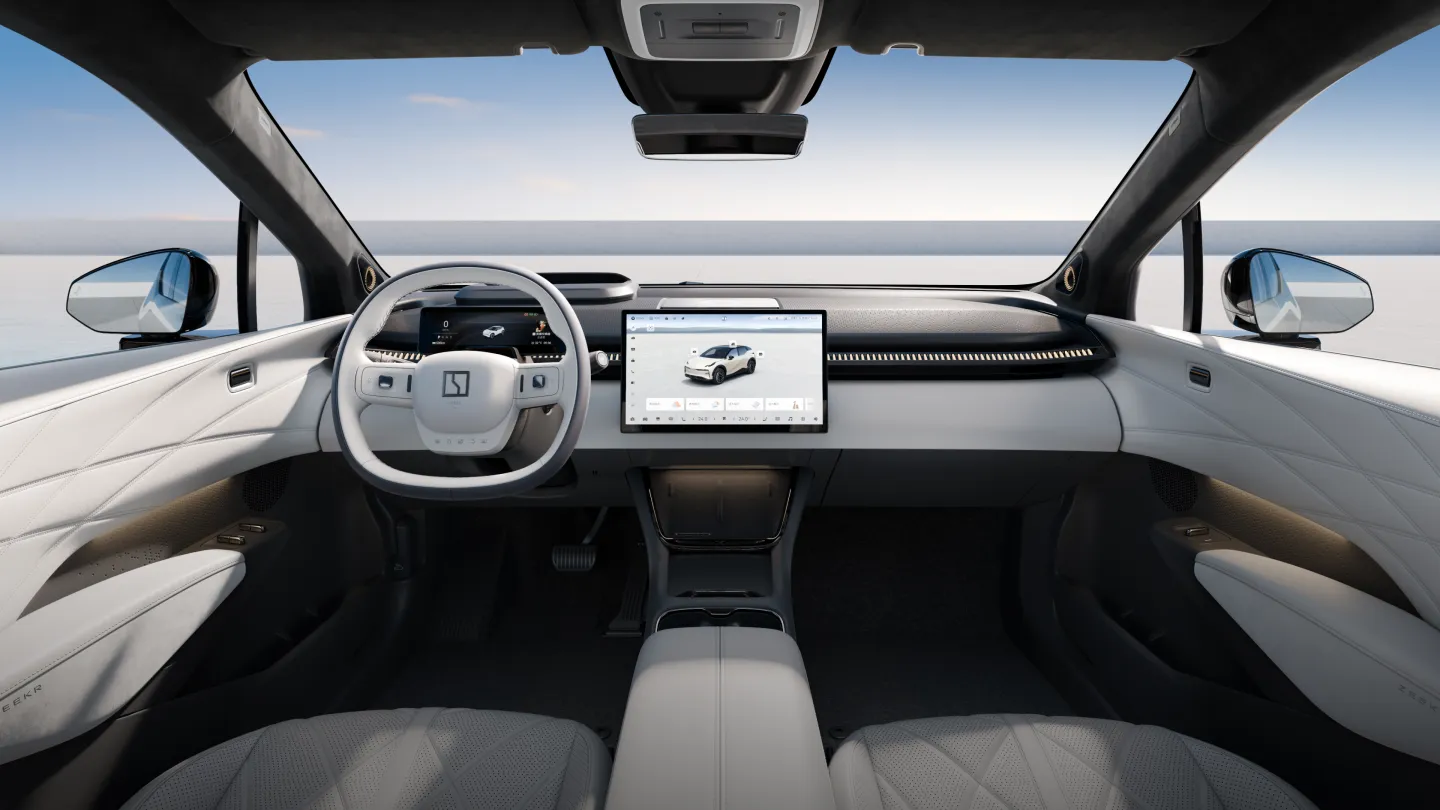
Manufacturer reference image. Controls and equipment vary by vehicle.
Sources checked:
Scope checked: 26 October 2026. China battery examples use the official configuration snapshots retrieved on 25 October 2026. Match the original market, model year, hardware and software before applying a procedure.
Define what you need translated
A language change can mean the main display, instrument cluster, voice assistant, navigation search, keyboard or phone app. These are separate components. A translated touchscreen does not prove that voice commands understand the same language, that local maps work or that connected services are available abroad.
Write down your target language and the functions that matter: reading warnings, entering local addresses, answering calls or using voice control. This produces an acceptance checklist instead of the vague promise that the car will be ‘fully international’.
Match the exact model and software
Record model, model year, original sales market, infotainment software version and any previous modifications. Early and refreshed 001s are not one software population; nor should 007GT and overseas 7GT be assumed to share a language package. Check 009, X, 7X, MIX, 8X and 9X separately rather than accepting a demonstration from a different model.
A regional release note describing language improvements is not a list of languages for every car. For example, European 001 OS 1.2 release notes mention language refinements, but do not establish that the corresponding Chinese version gains Russian, French or Arabic.
Check built-in options before changing software
- Park safely and photograph the current software-information screen and selected language so you can restore the original choice.
- Look for the language entry in the system settings. Chinese labels may include 设置 (settings) and 语言 (language); menu locations vary and an entry may not be available.
- Select only a language actually offered by the vehicle. Follow its confirmation prompts and any documented restart requirement.
- Check both main and driver displays, warning text, units, keyboard and navigation input. Change the phone app’s language separately if it offers a setting.
- Test spoken commands and address search independently. Their available languages need not match the display.
If the desired language is missing
Ask the original-market support channel whether that exact software and head unit have an approved option. Provide the version number and a photo of the available-language list. If no supported route is confirmed, state that the function remains unverified. Do not assume a future OTA, a new SIM or an app-region change will add it.
For an imported vehicle, this check can be done before handover using photos and a live demonstration of the actual car. A video of another 001 or 7X, especially from another year, is not adequate evidence for your vehicle.
How to assess a third-party localisation offer
- Require the supported model, year, head-unit hardware and original software build in writing.
- Ask exactly what changes: display text, cluster, keyboard, maps or voice. List exclusions and retain the unmodified version information.
- Ask how official updates are handled, what restoration support exists and whether any functionality or warranty coverage may be affected; obtain the relevant provider’s written position.
- Do not equate a translated interface with account transfer, app eligibility, eSIM service or driver-assistance activation.
- Keep passwords, verification codes and identity documents out of unsolicited service chats. Do not accept unexplained account or security changes as part of translation.
Acceptance checks after any change
Compare the same screens before and after: safety warnings, charging target, battery status, climate controls and driver-display messages. Test local address entry, phone calling and supported voice commands while parked. Check for mixed-language screens and confirm that the official software version remains identifiable.
Record what works and what does not. If an update is proposed later, disclose the localisation history to the responsible technician first. A complete handover should describe the available languages and exclusions on this vehicle, not promise that every model, market and future release will behave identically.
Sources and version references
Continue reading
- ZEEKR OTA updates: check your market, software branch and readiness
- ZEEKR master account: binding, transfer and a proper handover
- ZEEKR app not connecting: account, Bluetooth and mobile-data checks