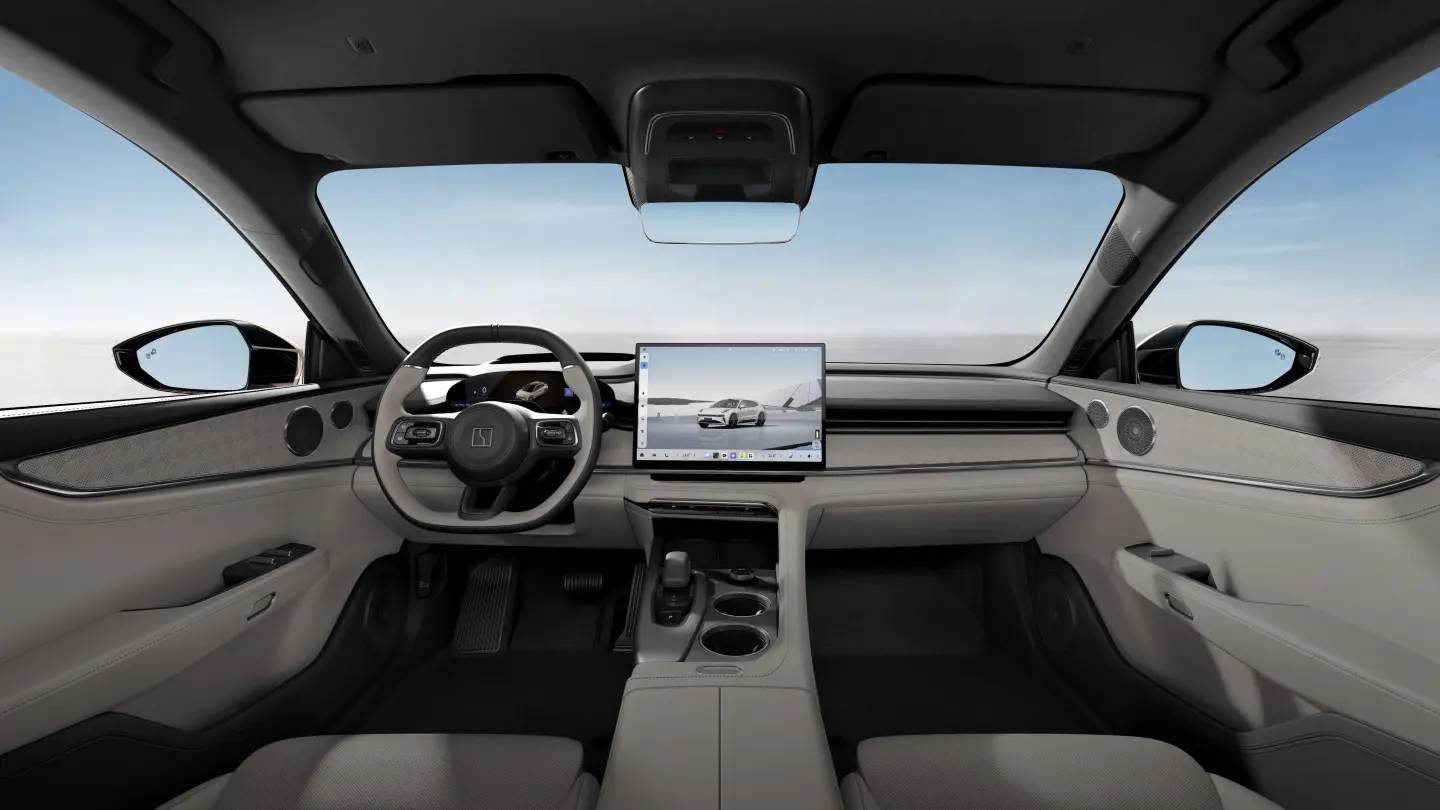
Manufacturer reference image. Controls and equipment vary by vehicle.
Sources checked:
Scope checked: 26 October 2026. China battery examples use the official configuration snapshots retrieved on 25 October 2026. Match the original market, model year, hardware and software before applying a procedure.
What a master account does—and does not prove
Owners often use ‘master account’ to mean the primary account associated with a ZEEKR. Keep three things separate: legal ownership of the car, access to a physical key, and permission to use connected services. Possessing one does not demonstrate the other two. A phone showing the vehicle in an app is not the whole handover.
ZEEKR’s China platform terms make services dependent on the vehicle, region and account permissions. They distinguish the owner or an expressly authorised user from other users. Use that as the starting point for a legitimate transfer; do not treat a shared seller login as your own permanent ownership account.
Check the correct market and vehicle first
For China-market 001, 007, 007GT, 009, X, 7X, MIX, 8X and 9X, establish which original account system the specific car uses. An account accepted by a European app is not evidence that a Chinese VIN can be enrolled there. Likewise, an overseas 7GT name does not establish the account process for a Chinese 007GT.
For an official overseas vehicle, begin with its original-market support channel and application. Regional service availability, identity checks and transfer procedures may differ. A factory reset can remove local information, but should never be accepted as proof that the previous owner’s server-side access has been removed.
Prepare a handover evidence pack
- Vehicle identity: VIN checked against the car and documents, model year, original market and infotainment version.
- Ownership evidence: the documents required by the responsible support channel, plus the seller’s authority to transfer the vehicle.
- Account access: the intended owner’s own contact details and recovery method; do not substitute a stranger’s telephone number.
- Keys and permissions: count physical/card keys and identify any family, guest, Bluetooth or wallet keys already issued.
- Connected functions: record which services are actually active and any subscription, region or data-plan limitations disclosed at handover.
Complete the transfer in a controlled order
- Ask the responsible original-market support team for the current transfer procedure for this VIN before deleting any existing access.
- Arrange for the legitimate previous account holder to participate where required. Carry out identity verification through the official channel.
- Use the supported unbinding or transfer process. Retain its confirmation or case reference; do not rely on a seller’s verbal assurance.
- Bind or activate the car using the intended owner’s account where eligibility permits. Keep a functioning physical key available throughout.
- Review and remove previous users and shared keys using the supported controls. Confirm the new owner can recover their account independently.
- Test locally and remotely while parked. Record the outcome and any feature that still requires regional activation.
When the previous owner is unavailable
Open a support case and ask what ownership evidence is acceptable and whether the VIN is eligible for a transfer in your country. If the supplier cannot establish its authority, keep that as an unresolved handover issue. Do not purchase somebody else’s identity, share verification codes with an unknown intermediary or attempt to defeat account controls.
If login succeeds but the car cannot be added, record the exact error and the app’s market edition. If the vehicle is visible but remote commands fail, investigate permissions and connectivity separately in our app guide. Repeated password resets will not repair an unsupported VIN-to-region relationship.
Verify the result before calling it complete
A useful acceptance check covers five separate results: the correct vehicle appears; the new owner can sign in and recover access; previous-user permissions have been addressed; keys work as documented; and each agreed connected function has been tested. A local Bluetooth test alone does not verify remote control through the vehicle’s cellular connection.
Keep case numbers and a dated checklist, but store identity documents and recovery codes privately. This guide does not establish a guaranteed transfer service for every imported ZEEKR. Where eligibility remains unresolved, describe the limitation explicitly instead of advertising an ‘unlocked’ car.
Sources and version references
Continue reading
- ZEEKR app not connecting: account, Bluetooth and mobile-data checks
- ZEEKR language settings: English, Russian and localisation checks
- ZEEKR OTA updates: check your market, software branch and readiness