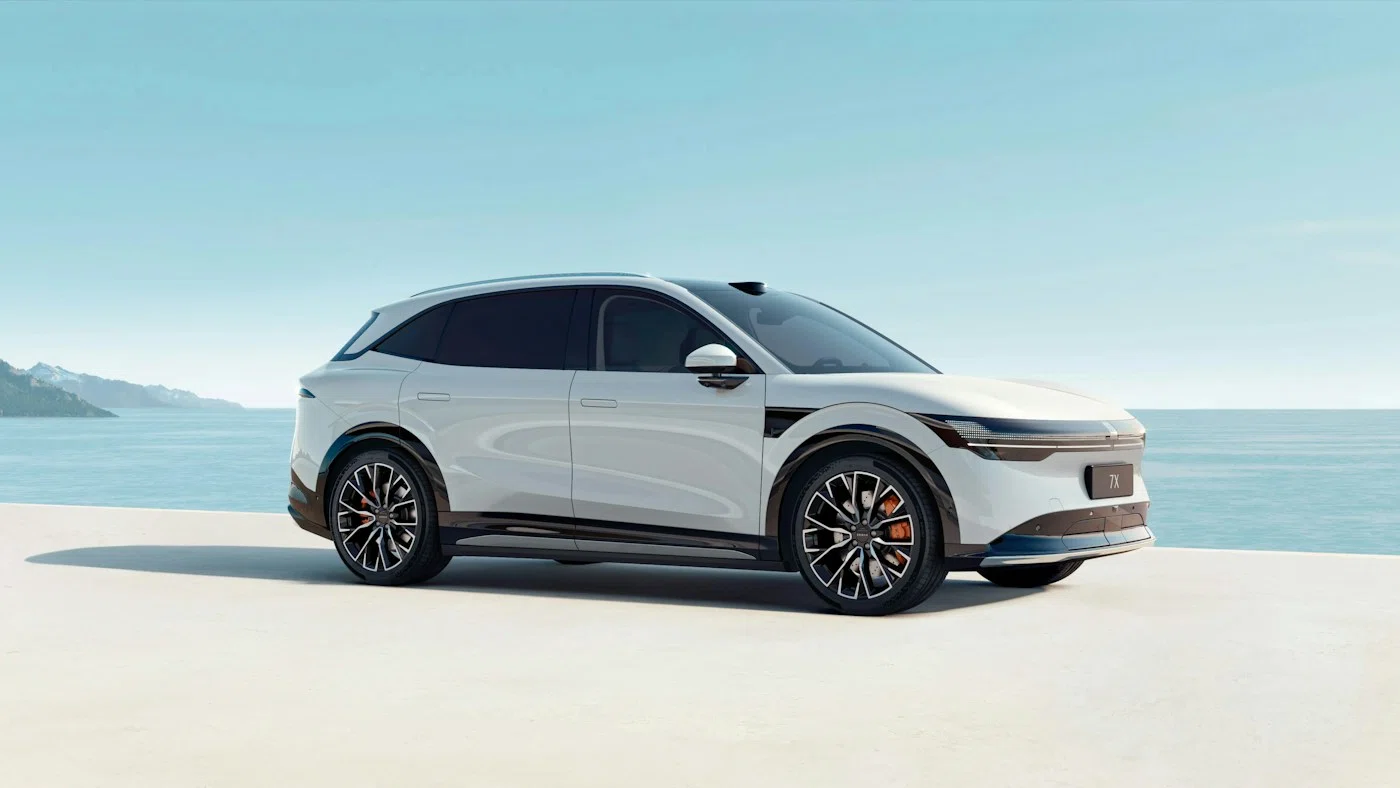
ZEEKR charging ports: GB/T, CCS2 and choosing an adapter
Identify your ZEEKR’s charging inlet, distinguish AC from DC and check adapter compatibility before using a public charger.
Read the guideCHINA ZEEKR AUTO · BY YUTAI
Practical guides to charging, software, maintenance and everyday life with your ZEEKR.
Search by topic, model or question. For version-specific reading, open the related guides on your model page.
Results: 17
Identify your ZEEKR’s charging inlet, distinguish AC from DC and check adapter compatibility before using a public charger.
Read the guide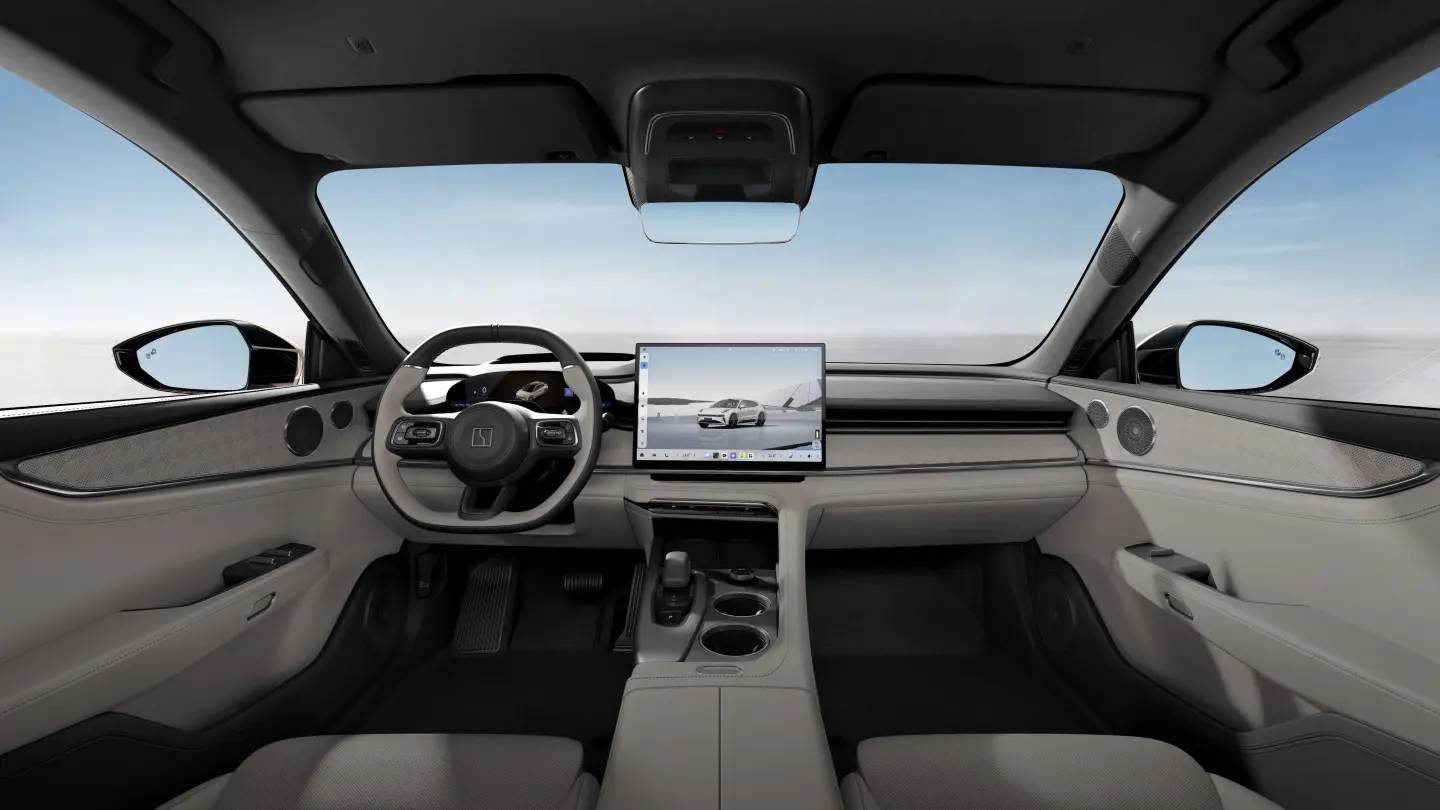
A practical ZEEKR account handover checklist: ownership, previous-user access, app binding and checks for China-market imports.
Read the guide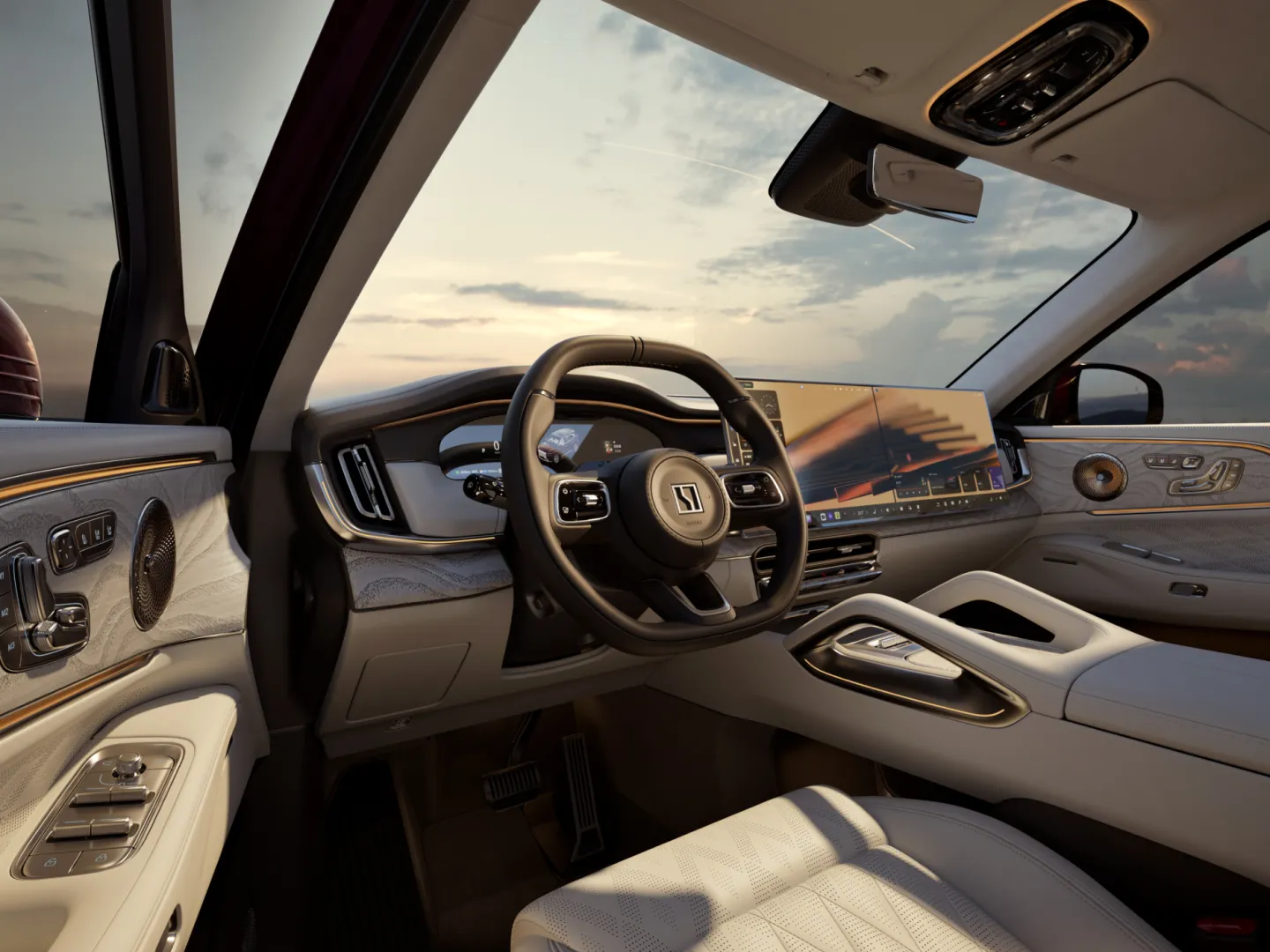
Diagnose ZEEKR app problems by separating login, vehicle binding, nearby phone access and the car’s internet connection.
Read the guide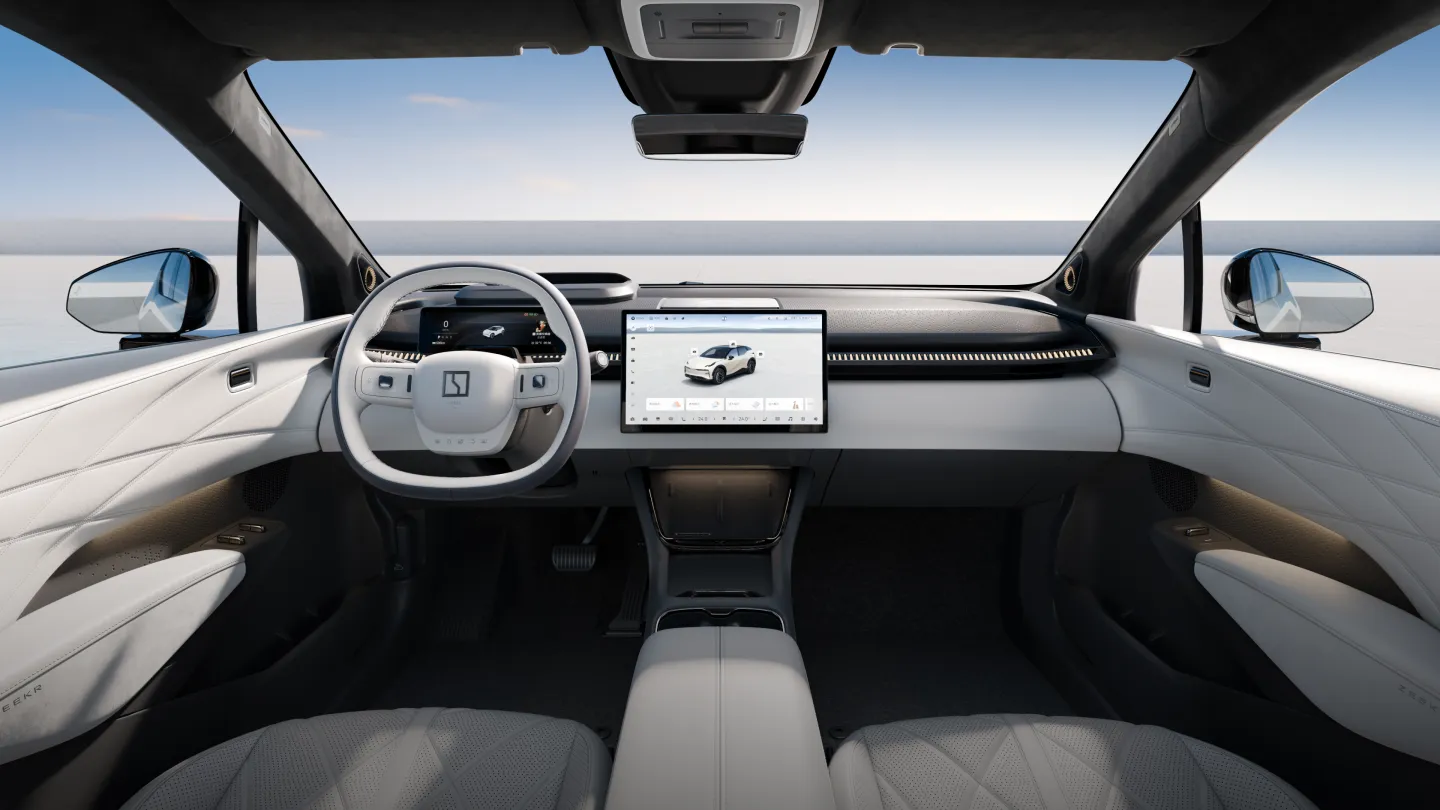
Check which ZEEKR languages your actual software supports and assess a localisation offer without confusing translation with connected-service activation.
Read the guide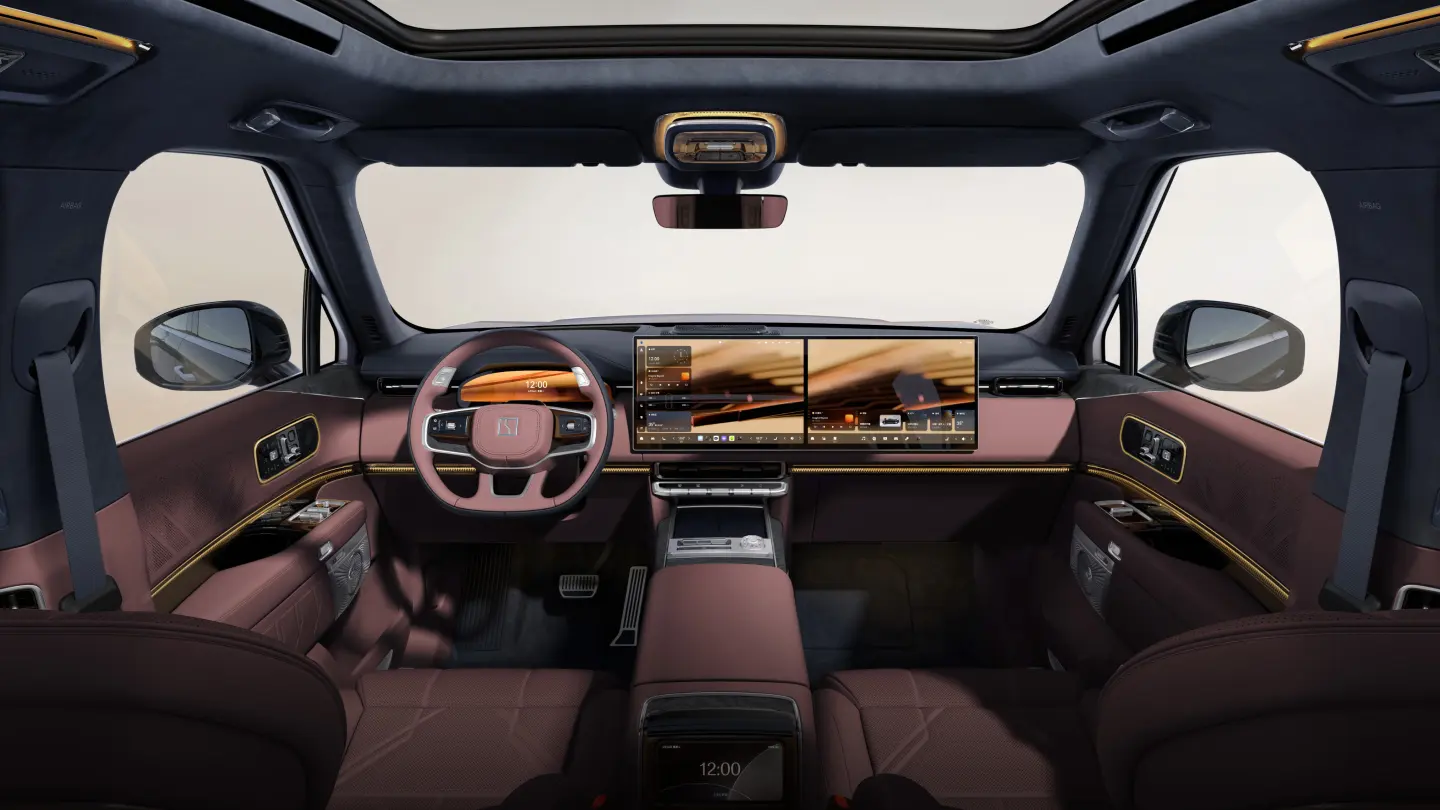
Prepare for a ZEEKR software update, distinguish model-specific release notes and check the car after installation without cross-flashing firmware.
Read the guide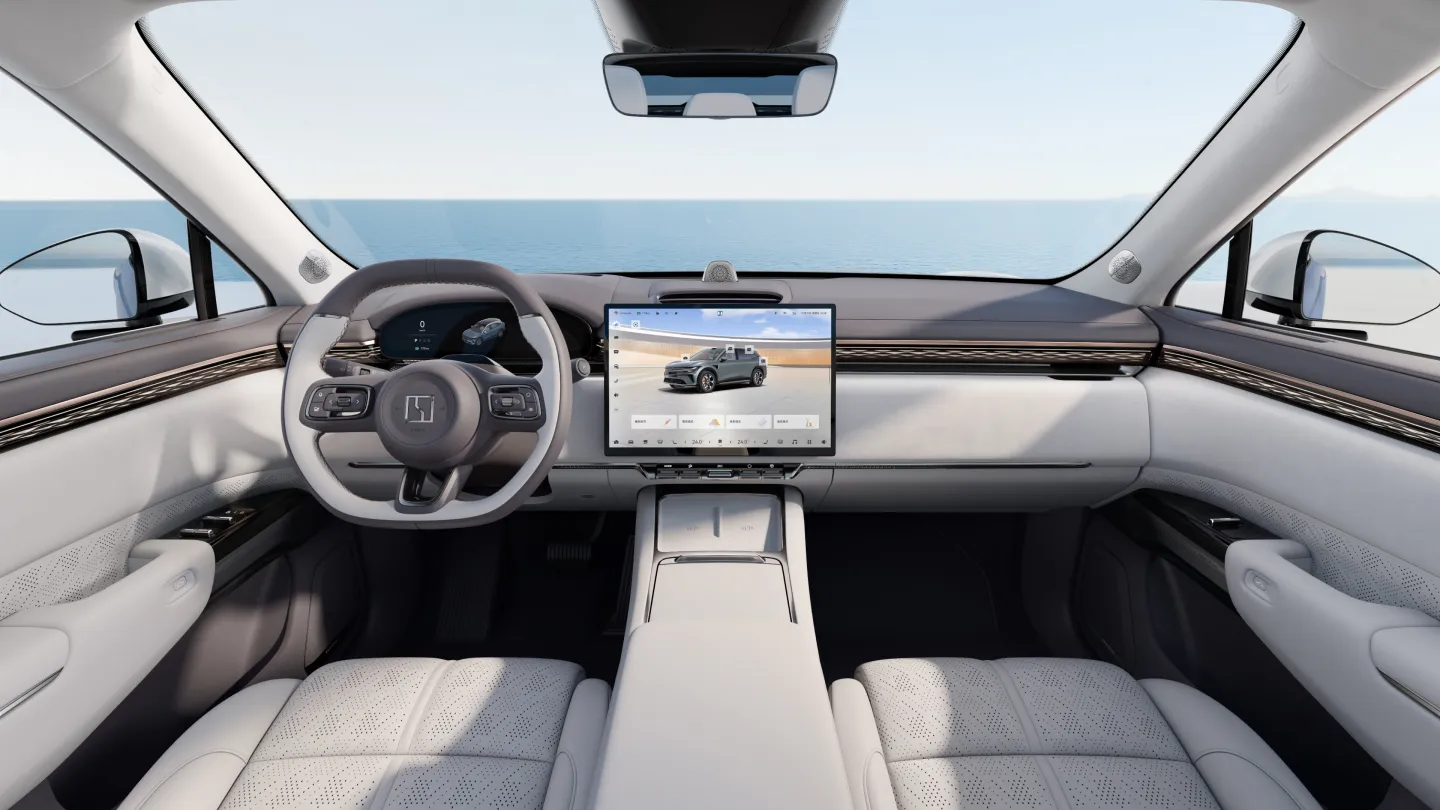
Confirm projection support for your ZEEKR version, connect a compatible phone and diagnose USB, Bluetooth and Wi-Fi problems separately.
Read the guide
Plan winter trips in a ZEEKR using your battery version, recent energy use and charging options rather than an assumed universal range-loss percentage.
Read the guide
Compare verified China-market ZEEKR battery variants, choose a documented charging routine and distinguish changing range estimates from battery degradation.
Read the guidePlan home charging around the actual car, electrical supply and daily driving, with a worked energy example and commissioning checklist.
Read the guideSeparate authorisation, scheduling, connector and vehicle faults without forcing a locked plug or guessing an emergency release procedure.
Read the guide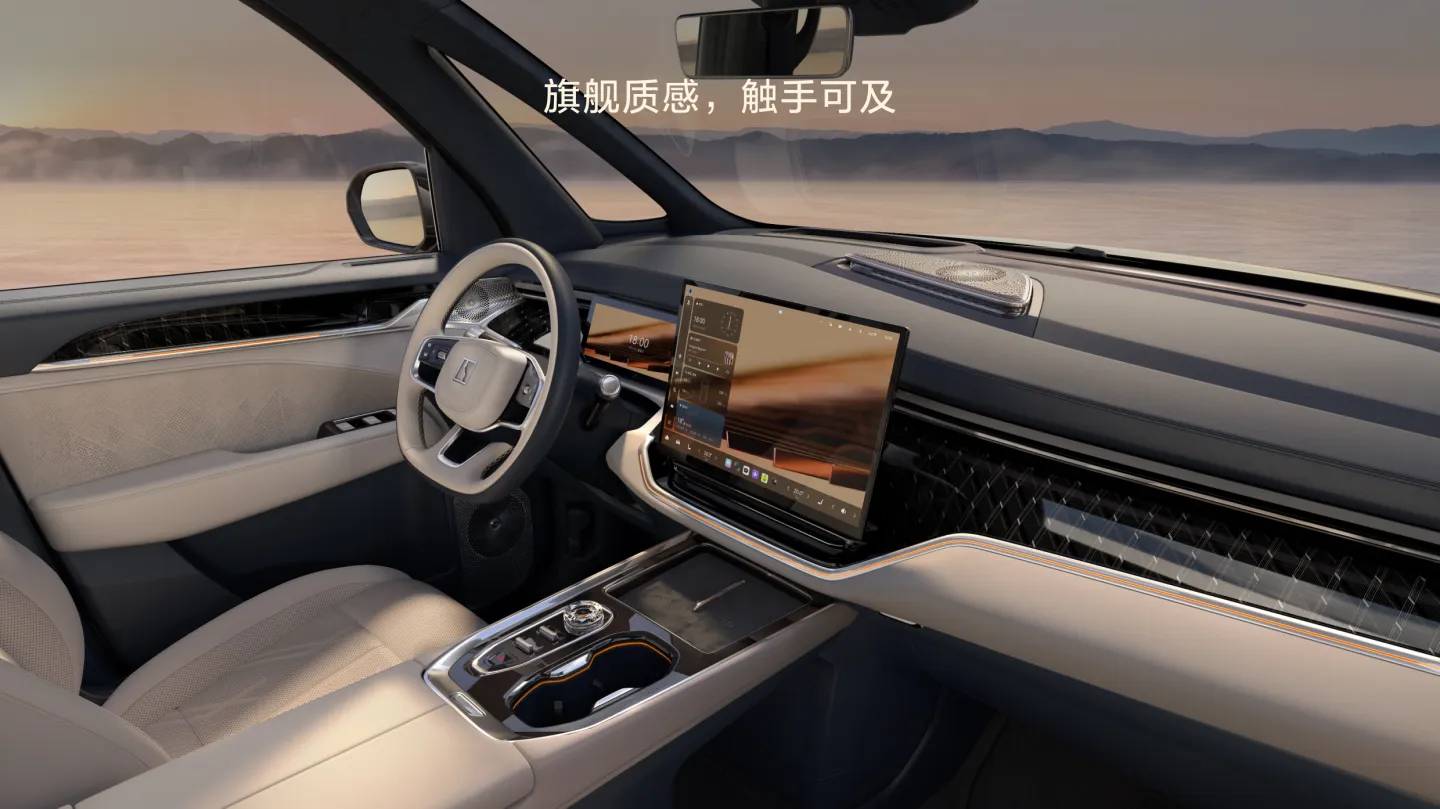
Find the right manual, build a parked familiarisation routine and distinguish an infotainment problem from a driving-critical fault.
Read the guideUnderstand physical, card, Bluetooth and Wallet keys, test a backup and diagnose access failures without confusing remote commands with a digital key.
Read the guideRead the vehicle placard, verify replacement wheel compatibility and separate a puncture from a tyre-pressure monitoring fault.
Read the guideSeparate electric and plug-in hybrid maintenance, verify regional intervals and request a documented service scope for the actual drivetrain.
Read the guideCheck which versions have air suspension, plan for rough roads and prepare correctly for lifting without assuming every ZEEKR can raise its body.
Read the guideArrange recovery for a disabled ZEEKR, distinguish transport from trailer towing and avoid guessing tow-mode or low-voltage procedures.
Read the guideA practical decision path for safety warnings, noises, climate and assistance faults, with a service-report template and links to focused diagnostics.
Read the guideNo matching guide. Try a shorter phrase or ask YUTAI. Ask our export team