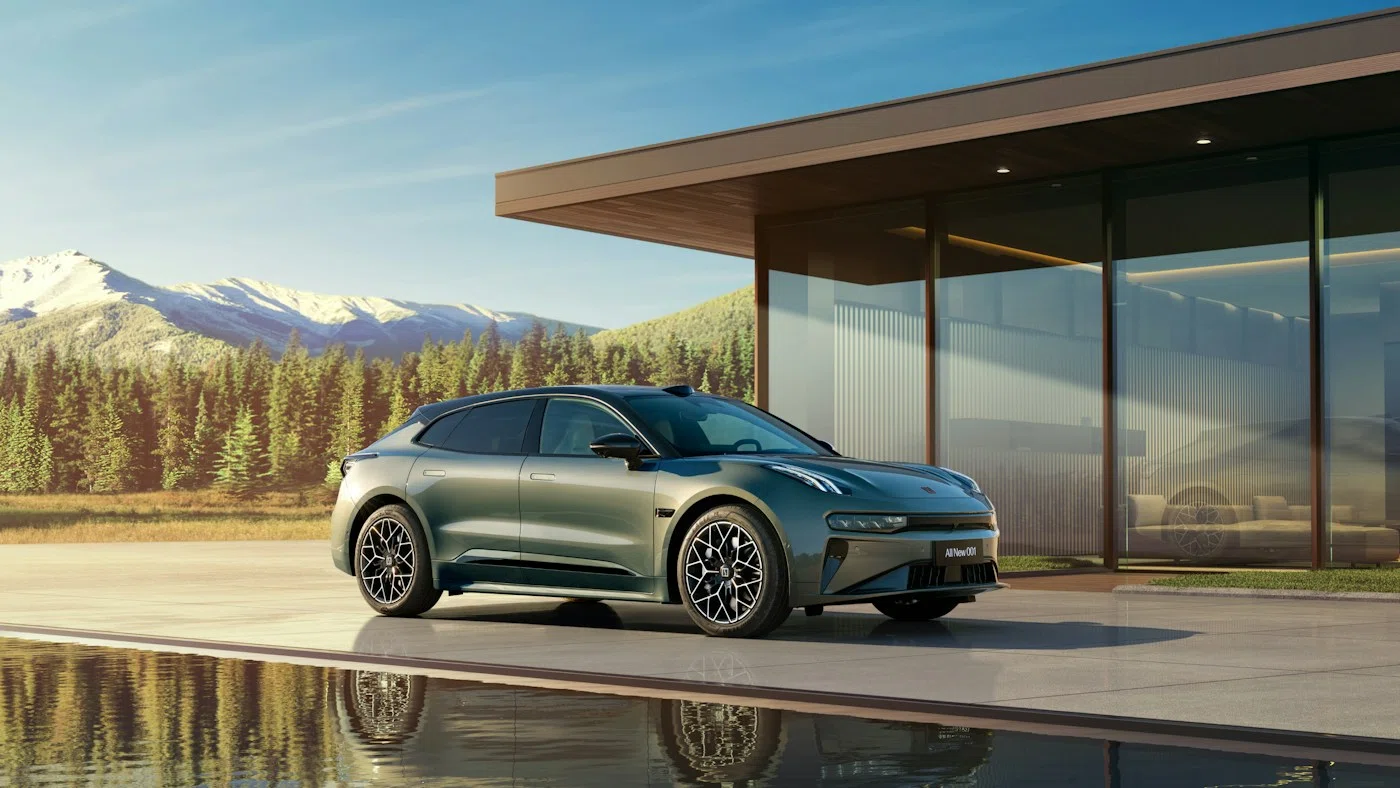
Manufacturer reference image. Controls and equipment vary by vehicle.
Sources checked:
Scope checked: 26 October 2026. China battery examples use the official configuration snapshots retrieved on 25 October 2026. Match the original market, model year, hardware and software before applying a procedure.
First decide whether to stop immediately
Do not attempt another session if you see damaged pins, exposed wiring, smoke, melted plastic, liquid inside the connector or an electrical warning accompanied by unusual heat or smell. Move people away if there is an immediate hazard and contact the charging operator or emergency services as appropriate. Never touch high-voltage components or open charging equipment to investigate.
- Photograph a warning only from a safe position.
- Record the station number so the operator can isolate the correct unit.
Identify the stage that failed
A car waiting for permission is different from a session that starts and then stops. Note whether the cable latches, the charger recognises the vehicle, payment authorisation succeeds and the car shows incoming energy. AC and DC use different charging paths, so success on one does not prove the other path is healthy. China 8X/9X hybrids require their own specifications.
- Record AC or DC, connector type, adapter details if used, time and charge percentage.
- Copy the exact car and station messages rather than writing only “charging failed”.
Check settings and authorisation
While parked, compare the current battery percentage with the car’s selected charge limit. Check for a departure timer or scheduled charging window on both car and charger. At a public station, confirm authorisation in the operator’s system; a bank payment notification alone may not mean the charging session was approved. Use the operator’s normal stop and restart instructions.
- Temporarily test with a single scheduling controller when safe and practical.
- If no energy starts, retain the session ID and ask the operator whether the charger logged a handshake fault.
Use a controlled comparison
If there is no damage or safety warning, try another known compatible charger or cable under its instructions, changing one variable at a time. A failure at one station suggests a different investigation from the same failure at several compatible stations. A connector that physically fits is not proof of protocol compatibility; consult our separate GB/T and CCS2 guide before buying an adapter.
- Compare the same charging type where possible; do not compare AC success with DC failure as an identical test.
- Stop repeated trials if a vehicle warning returns or protective equipment trips.
Release a locked plug normally first
End the session using the station’s and vehicle’s normal controls, verify that charging has stopped and request normal connector unlocking as described in the correct manual. A station-side socket lock may need operator assistance. Do not pull hard, insert tools or operate an unverified emergency cable. Emergency release location and sequence depend on the actual model, build and connector system.
- Keep the vehicle key available and prevent the car from being driven while connected.
- If normal release fails, give the operator and roadside technician the exact vehicle and charger details.
Prepare a useful service report
Capture a short sequence: initial state, action, exact result and whether it repeats. Include original market, model year, software version, temperature, AC/DC type and charger ID. Share the VIN privately with the service provider. No universal screen reset, fuse removal or low-voltage disconnect is prescribed here; these can remove evidence or create additional faults.
- Ask whether the vehicle may be driven or needs recovery before leaving the station.
- If resolved, record the cause and successful comparison so the same fault can be recognised later.
Sources and version references
- Australian Government — charging an EV
- CharIN — charging compatibility
- NHTSA — electric and hybrid vehicle safety
- ZEEKR China configuration 7X — snapshot: 25 October 2026
- ZEEKR China configuration 9X — snapshot: 25 October 2026
Continue reading
- ZEEKR charging ports: GB/T, CCS2 and choosing an adapter
- ZEEKR home charging: wallbox planning and an overnight routine
- ZEEKR towing and roadside recovery: prepare the right information
Publisher and source basis
Published by Wenzhou Yutai Import and Export Co., Ltd. (YUTAI), the independent exporter operating CHINA ZEEKR AUTO. This is not the manufacturer’s official website. Manufacturer specifications and regional examples are reference information, not a guarantee of overseas compatibility or warranty.
About the exporterRelated model reference pages
China-market reference. Match the original market, model year and actual equipment before applying specifications or instructions.