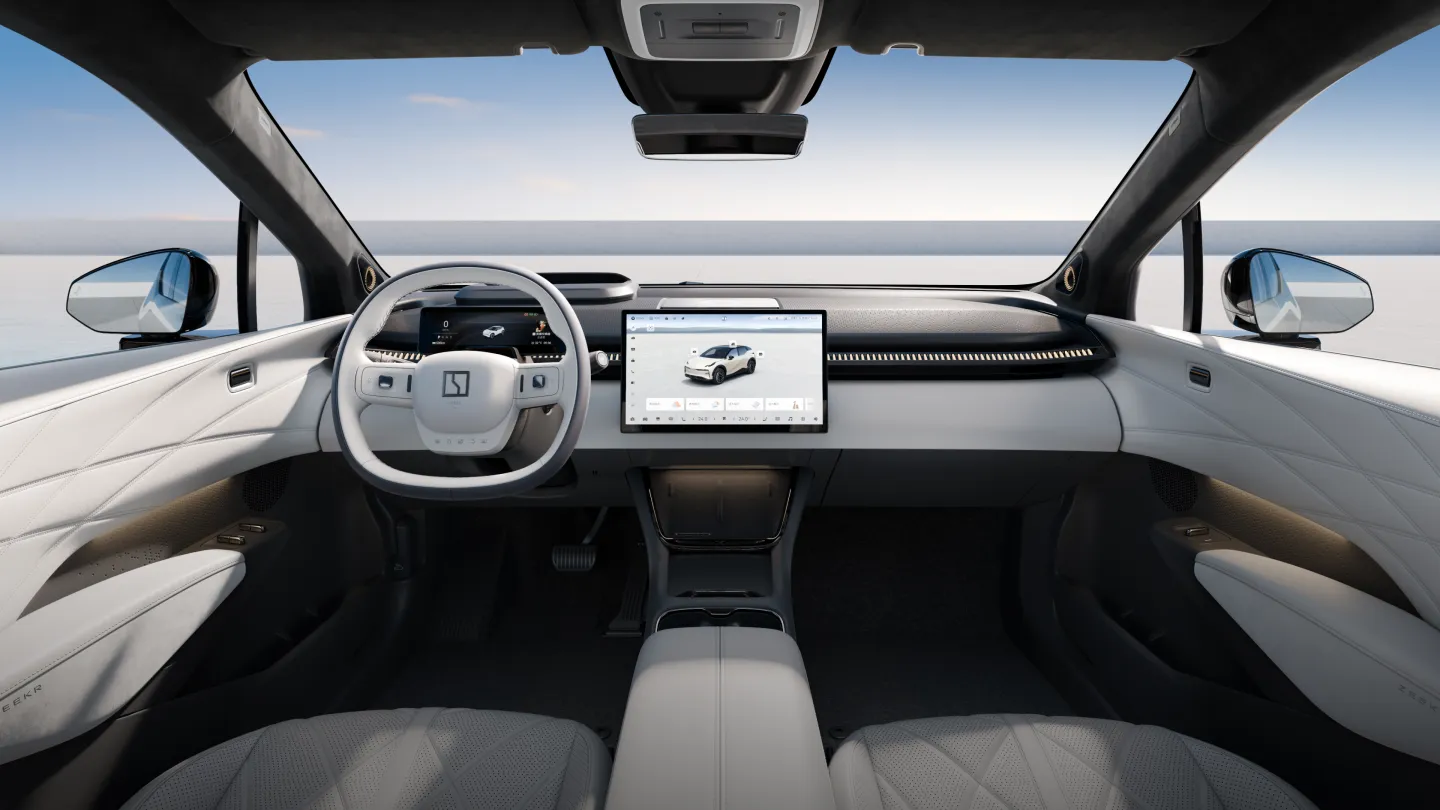
Manufacturer reference image. Controls and equipment vary by vehicle.
Sources checked:
Scope checked: 26 October 2026. China battery examples use the official configuration snapshots retrieved on 25 October 2026. Match the original market, model year, hardware and software before applying a procedure.
Identify which key system you have
List the keys actually delivered with the vehicle and consult its manual for each supported method. A remote app command, a Bluetooth key and a Wallet key use different systems; a working app login does not prove all three are available. Replacement keys must be compatible with the VIN and correctly enrolled. Do not buy an unverified card because its appearance matches an online photograph.
- Record key type and quantity without publishing key identifiers or access codes.
- Keep at least one proven backup outside the locked vehicle.
Read regional digital-key limits carefully
ZEEKR Europe lists Bluetooth Digital Key 1.0 and UWB Digital Key 3.0 separately. Its current Connected page identifies selected iOS support for European 7X with OS 2.1+, X with OS 1.4+ and 7GT. This does not establish support on Chinese cars, every phone or every model with a similar name; Chinese 007GT should not automatically inherit a European 7GT claim.
- Check the current official phone list for your actual vehicle and region.
- Confirm required vehicle hardware and software, not only whether the phone has NFC or UWB.
Enroll and test while you have a backup
Follow the authorised setup flow for the car’s original market and your ownership permissions. Complete pairing while parked with another working key available. Test unlocking, locking and permission to start separately: passing one does not prove all functions work. Avoid locking every key and phone inside while experimenting. Cloud ownership transfer is a separate process covered in the master-account guide.
- Test once near the vehicle with the approved phone settings in place.
- Ask the supplier to demonstrate the documented fallback before relying on a phone alone.
If the phone will not unlock the car
First determine whether the failure concerns a remote internet command or the local digital key. For the applicable system, check phone battery, the enrolled key, required Bluetooth or Wallet settings and current official device compatibility. Metal accessories or device position may affect contact-based use; follow the documented reader position rather than tapping random panels. Never assume every car supports phone power-reserve access.
- Compare with a known working approved physical or card key.
- Record phone model, operating system, car software and the exact failed action for support.
Lost keys, shared access and replacement
If a key or phone is lost, contact the relevant service provider to revoke or replace its vehicle access; changing an app password alone may not revoke every local key. Review all authorised users and keys after a handover. For a replacement card or remote, obtain written confirmation of compatibility, enrolment requirements and what will happen to the lost key’s permissions.
- Use time-limited sharing only where the actual system supports it and review permissions afterwards.
- Do not send account passwords, verification codes or key data to an unknown unlocking seller.
When no normal key works
Check for an immediate safety issue, especially a person or animal trapped inside, and contact emergency help when required. Otherwise use the vehicle-specific mechanical access and low-voltage recovery instructions through a qualified assistance provider. There is no universal door-handle location, battery terminal or emergency-start position across the range. An unresponsive car may have a power problem rather than several keys failing simultaneously.
- Tell assistance which access methods failed and whether lights, handles or screens respond.
- Have ownership evidence ready and ask for the correct manual before any forced entry or power intervention.
Sources and version references
- ZEEKR Europe — Connected Services
- ZEEKR China — account and service terms
- ZEEKR Europe — 2024 001 manual selector
Continue reading
- ZEEKR master account: binding, transfer and a proper handover
- ZEEKR app not connecting: account, Bluetooth and mobile-data checks
- ZEEKR owner’s manual and screen: essential controls before driving